Marvel Rivals Controller vs Keyboard: Which Is Better
Marvel Rivals has burst onto the competitive gaming scene, bringing intense hero-based combat to PC players worldwide. This fast-paced action game demands quick reflexes, precise movements, and strategic ability usage - all of which depend heavily on your chosen input method.
A heated debate rages within the Marvel Rivals community: controller or keyboard and mouse? This choice shapes every aspect of gameplay, from basic movement to executing complex ability combinations. Players on both sides defend their preferred setup with passionate arguments about comfort, precision, and competitive advantage.
Your input method selection can make or break your gaming experience. It affects:
Aim accuracy during intense firefights
Movement control in critical moments
Ability timing and execution speed
Combat effectiveness with different hero types
Whether you're a seasoned competitive player or just starting your Marvel Rivals journey, understanding the strengths and limitations of each input method is crucial for maximizing your performance in the arena.
Understanding how to effectively use each hero's unique abilities can also influence your choice of input method. For example, Luna Snow, a Strategist hero with ice-based superpowers, requires careful timing and execution of her abilities which might be easier with a mouse and keyboard setup.
Understanding Input Methods in Marvel Rivals
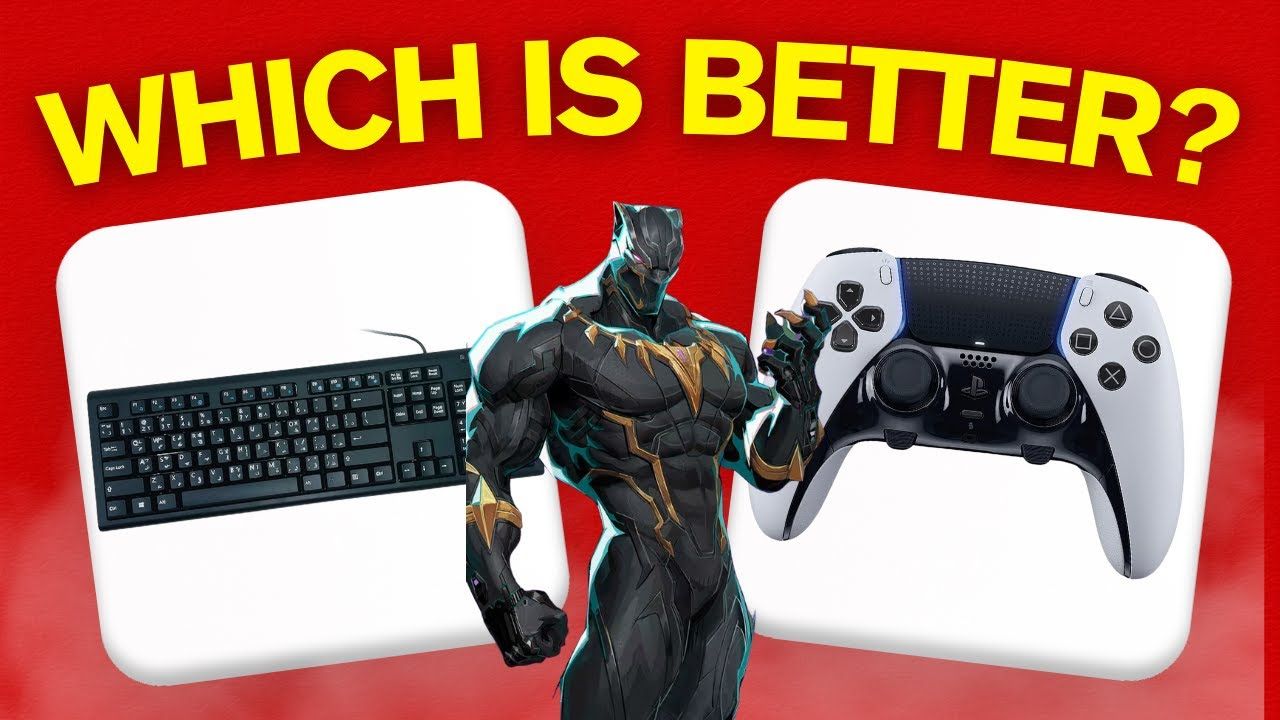
Marvel Rivals supports two primary input methods, each with distinct control schemes and ergonomic considerations:
1. Controller Setup:
Left analog stick controls character movement
Right analog stick handles camera control and aiming
Face buttons (A/B/X/Y) trigger abilities and actions
Shoulder buttons and triggers activate special moves
D-pad enables quick menu access and communication
2. Keyboard and Mouse Configuration:
WASD keys control character movement
Mouse movement directs camera and aim
Left/right mouse buttons for primary actions
Number keys or surrounding letters activate abilities
Space bar, shift, and ctrl keys handle additional functions
The physical layout of these input methods creates different gaming experiences. Controllers offer a compact, handheld design with all buttons within thumb reach. This setup allows players to maintain consistent hand positioning throughout gameplay sessions, a factor that can significantly affect performance.
KBM setups spread controls across a wider area, letting players use multiple fingers simultaneously. The keyboard provides dedicated keys for each action, while the mouse enables precise cursor placement through wrist and arm movements. These physical differences affect how players execute moves and combine abilities.
The choice of input method can also influence the effectiveness of different characters in the game. For instance, Namor, the King of Atlantis, excels in ranged combat with his trident when controlled via a controller's precise aiming. On the other hand, Adam Warlock, a versatile strategist hero known for his healing abilities, might benefit from the quick access to multiple keys that a KBM setup provides.
Each character's unique abilities can be further enhanced by mastering the input method that suits them best. For example, the Scarlet Witch, renowned for her mastery of chaos magic, could unleash potent attacks more effectively with a controller's ease of use. Meanwhile, Venom, known for his disruptive force on the battlefield, might find a KBM setup advantageous for diving into enemy lines with precision.
Whether you prefer a controller or a keyboard and mouse setup in Marvel Rivals, understanding these input methods can significantly enhance your gaming experience and character performance.
Precision and Accuracy: A Key Factor in Input Method Choice
When it comes to gaming, the choice of input method can greatly impact your performance. Two popular options are keyboard and mouse (KBM) setups and controllers. Each has its own advantages and limitations when it comes to precision and accuracy.
The Precision Advantages of Keyboard and Mouse
KBM setups deliver superior aiming precision through the distribution of control across multiple fingers. Your entire hand, wrist, and arm work in harmony to execute precise movements. Here's how KBM provides an edge in precision:
Wrist-based aim control: With KBM, you can use your wrist to make small, precise adjustments to your aim. This allows for pinpoint accuracy when targeting enemies.
Independent finger movements: Unlike controllers where a single thumb controls both camera movement and aiming, KBM allows for independent finger movements. This means you can simultaneously perform actions like strafing or dodging while maintaining your aim.
Large mousepad space: The ability to move your mouse across a larger surface area gives you the flexibility to make quick turns or subtle adjustments as needed.
Direct input translation: KBM provides direct 1:1 input translation without any acceleration. This means that the movement on-screen will exactly match your hand movements, resulting in more consistent aiming.
The Constraints of Controller Aiming
Controllers also have their strengths, but they face inherent physical limitations when it comes to aiming precision. Here's what you need to know about the constraints of controller aiming:
Restricted range of motion: Analog sticks on controllers have a limited range of motion compared to the broader movements possible with a mouse. This can make it challenging to track fast-moving targets or make quick adjustments.
Thumb fatigue: Extended play sessions can lead to thumb fatigue, which may affect your ability to maintain consistent aim over time.
Difficulty during ability usage: Using abilities that require precise aiming while also controlling movement can be difficult with a controller, as both actions rely on the same thumb.
Limited customization options: Some controllers may have limited options for sensitivity customization, making it harder to fine-tune your aiming preferences.
These mechanical differences between KBM and controllers can significantly impact gameplay effectiveness. Here's how they play out in different scenarios:
Long-range engagements
KBM users often excel in long-range engagements where precision is key. The combination of wrist-based aim control and large mousepad space allows for accurate shots even at a distance.
Complex ability combinations
Performing complex ability combinations while maintaining accuracy is another area where KBM shines. With independent finger movements, you can trigger abilities without compromising your aim.
Compensating through positioning
On the other hand, controller players may need to compensate for their limitations through positioning and movement prediction. For instance, when playing games like Armored Core where rotation handling plays a crucial role, this becomes especially important.
Teamwork Makes the Dream Work
In multiplayer games, teamwork becomes crucial for success. Understanding [Team-Ups](https
The Role of Aim Assist in Balancing Input Methods
Aim assist plays a vital role in ensuring fairness between controller players and other input methods in Marvel Rivals. This built-in feature, commonly used in console shooters, helps controller users track moving targets by creating a subtle magnetic effect around enemy characters, similar to the powers of Magneto, a character renowned for his mastery over magnetism. When an opponent enters the aim assist radius, the crosshair experiences a slight pull, making target acquisition easier.
Challenges with Aim Assist on PC
However, the current state of aim assist in Marvel Rivals PC presents significant challenges for controller users. Players report inconsistent behavior in ranked modes, where the assist either fails to activate or provides minimal support. This technical limitation creates a stark disadvantage compared to keyboard and mouse users.
Impact on Gameplay
A practical example of this impact appears in ranged combat scenarios:
KBM Players: Can track targets naturally with precise mouse movements
Controller Players: Struggle with micro-adjustments due to unreliable aim assist
Critical Moments: Missing key abilities due to aim assist inconsistency
The performance gap becomes particularly noticeable during intense team fights. While KBM users maintain consistent accuracy through raw input, controller players must compensate for the weak assist through extra thumb movements and predictive aiming. This often results in missed opportunities and decreased combat effectiveness.
Adaptations by Controller Players
The current aim assist implementation has pushed many controller players to adapt their playstyle, focusing on heroes less dependent on precise aiming like Invisible Woman, who excels in battlefield control and support, or considering a switch to KBM for competitive play. The challenges faced by controller users highlight the need for a more comprehensive understanding of aim assist mechanics and its potential improvements for better gameplay experience.
Playstyle Considerations: Matching Input Method to Player Style
Different Marvel Rivals characters require specific control methods for optimal performance. Your choice between controller and keyboard/mouse can significantly affect your effectiveness with certain hero types.
Controller-Friendly Characters:
Melee bruisers like Hulk and Venom
Close-range fighters requiring fluid movement
Characters with simple ability combinations
Heroes focused on sustained damage output like Wolverine or Black Panther
The analog stick's 360-degree movement creates smoother character control for close-combat scenarios. This natural fluidity makes controllers ideal for heroes who need to stay in melee range while executing combos.
Keyboard/Mouse-Optimal Characters:
Precision shooters such as Iron Man
Sniper-style heroes requiring headshot accuracy
Characters with complex ability rotations
Heroes dependent on quick target switching like The Punisher or Winter Soldier
KBM setups shine with ranged characters where pixel-perfect accuracy determines success. The mouse's precision enables players to track moving targets effectively and land critical hits consistently. The keyboard's multiple keys also allow for faster ability execution and more complex input combinations.
Your playstyle preferences should guide your input method selection. Players who enjoy aggressive, in-your-face combat might find controllers more intuitive, especially when using heroes like Squirrel Girl who utilize agility and unique combat style. Those who prefer calculated distance management and precise targeting will likely perform better with KBM.
Long-term Implications: Muscle Memory, Player Comfort, and Competitive Performance
Years of gaming on a specific input device create deeply ingrained muscle memory patterns. Players who've spent countless hours mastering controller mechanics often struggle when switching to keyboard and mouse - their fingers instinctively reach for familiar button combinations that no longer exist.
This muscle memory factor becomes particularly crucial in ranked mode Marvel Rivals matches where split-second decisions can determine victory or defeat. A player might recognize the theoretical advantages of switching input methods but find themselves performing worse during the adjustment period.
The impact of player comfort extends beyond pure mechanical skill:
Mental Focus - Using familiar controls allows players to concentrate on strategy rather than basic movement
Stress Management - Comfortable input methods reduce cognitive load during intense matches
Reaction Speed - Natural responses come faster with well-practiced control schemes
In competitive settings, these factors create a complex dynamic. While keyboard and mouse might offer superior technical potential, a player's actual performance often peaks with their most comfortable input method. Some top-ranked players achieve remarkable results with controllers despite theoretical disadvantages.
The competitive impact varies by skill tier:
Lower Ranks: Personal comfort typically outweighs technical advantages
Mid Ranks: Players start experiencing the limitations of their chosen input method
High Ranks: Technical precision becomes increasingly important
Many successful players stick with their preferred input device through their entire competitive journey, proving that mastery of a comfortable control scheme can overcome inherent technical limitations.
Making the Decision: Which Input Method Reigns Supreme?
The search for the "best" input method in Marvel Rivals leads to a simple truth: personal preference trumps theoretical advantages. A player's natural comfort level with their chosen device directly impacts their in-game performance.
Here's a practical approach to finding your ideal input method:
Start with what you know: Your gaming background matters. If you've mastered controllers in other hero-based games, that experience transfers well
Test both options: Dedicate at least a week to each input method during casual matches
Track your performance: Pay attention to:
Hit accuracy
Movement fluidity
Ability timing
General comfort during extended sessions
Players who excel at close-range combat might find controllers more intuitive, while those who prefer precise targeting could lean toward KBM. The key lies in matching your input method to your preferred heroes and playstyle.
The competitive scene shows successful players using both methods - proving that mastery of your chosen input device matters more than the device itself.
Conclusion
The battle between controllers and keyboards in Marvel Rivals comes down to distinct advantages for each input method. Keyboard and mouse setups shine with precise aiming and multiple-finger control, making them ideal for characters like Loki who require pinpoint accuracy. On the other hand, controllers offer familiar comfort and intuitive movement, particularly beneficial for close-combat heroes such as Iron Fist and those with a bruiser playstyle like The Thing.
The current state of aim assist on PC creates additional considerations for controller users, yet many players continue to excel with their preferred input method despite technical limitations. Both options remain viable paths to success in Marvel Rivals.
However, it's not just about the input method. The choice of character also plays a significant role in determining the best setup. For instance, characters like Jeff the Land Shark, who are strategists with healing abilities, might benefit more from a keyboard and mouse setup due to its versatility. Conversely, characters that excel in melee combat may find controllers more suited to their style.
Key Takeaways:
KBM excels in precision and versatility
Controllers provide comfort and intuitive movement
Each input method suits different character types
Personal preference trumps theoretical advantages
What's your go-to input method for Marvel Rivals? Share your experiences and tips in the comments below - we'd love to hear which setup works best for your playstyle.